Build your custom property page
Build your custom property page
STEP 1
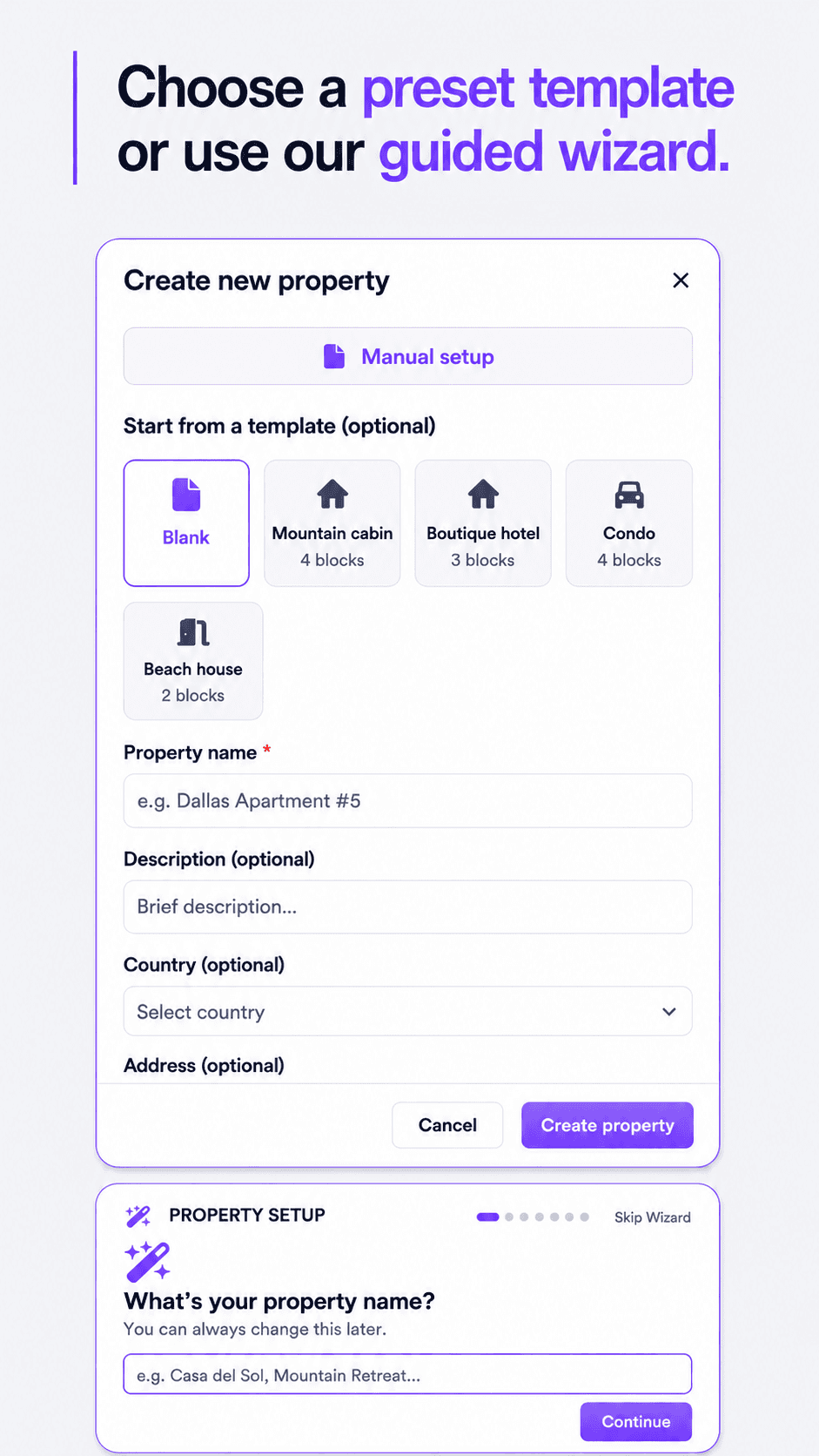
STEP 2
STEP 1
STEP 2
Activate your AI concierge
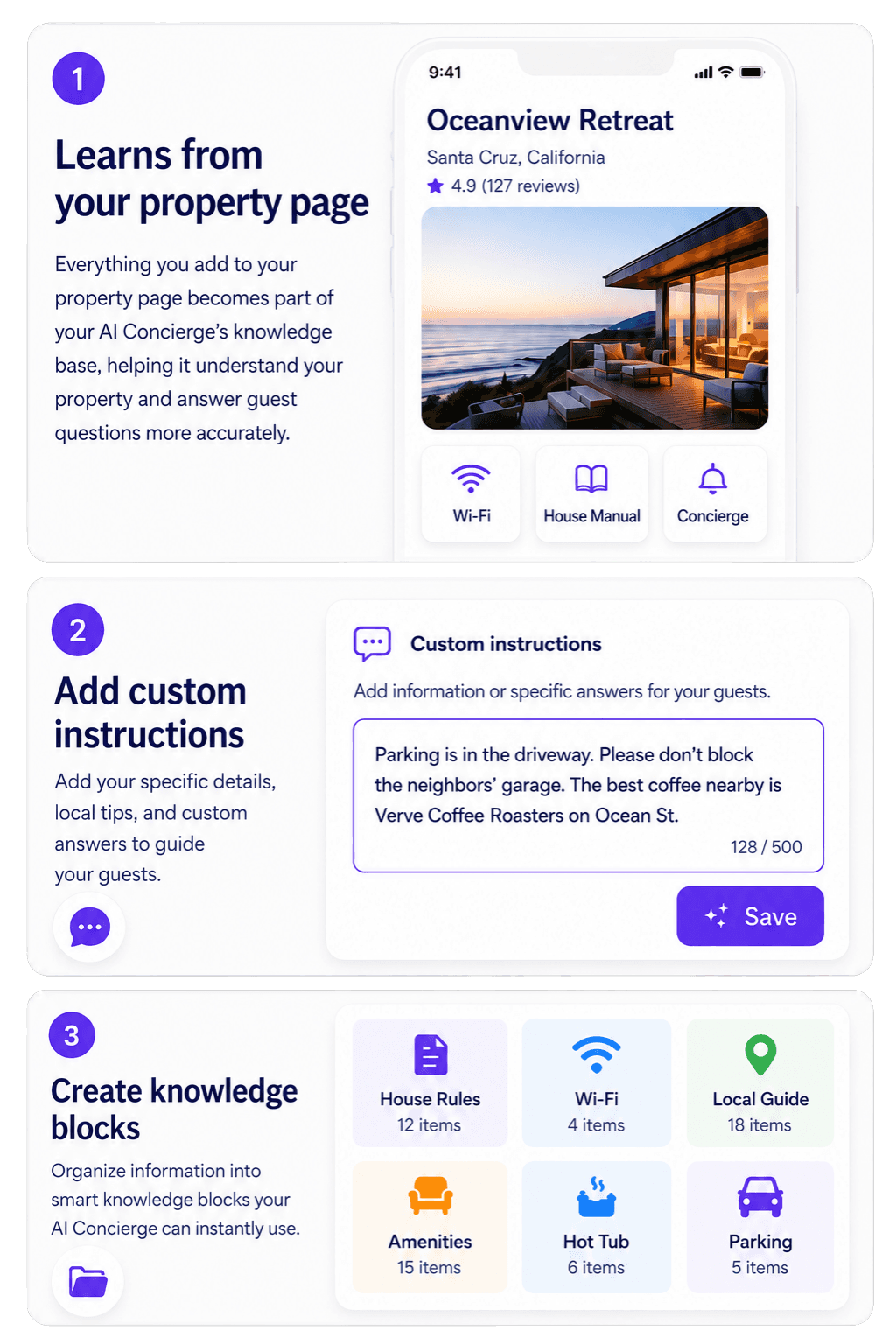
Turn your property information into instant guest support. Tapplify’s AI Concierge learns from your property page, custom instructions, and knowledge blocks to answer guest questions anytime.

Learns from your property page
Learns from your property page
Add custom instructions
Add custom instructions
Create knowledge blocks
Create knowledge blocks
STEP 2
Activate your AI concierge
Activate your AI concierge
Learns from your property page
Add custom instructions
Create knowledge blocks
Turn your property information into instant guest support. Tapplify’s AI Concierge learns from your property page, custom instructions, and knowledge blocks to answer guest questions anytime.
Turn your property information into instant guest support. Tapplify’s AI Concierge learns from your property page, custom instructions, and knowledge blocks to answer guest questions anytime.
All set. Now your guests can access everything
they need with Tapplify.
All set. Now your guests can access everything
they need with Tapplify.
All set. Now your guests can access everything they need with Tapplify.
STEP 4
STEP 4
STEP 3
STEP 3
STEP 4
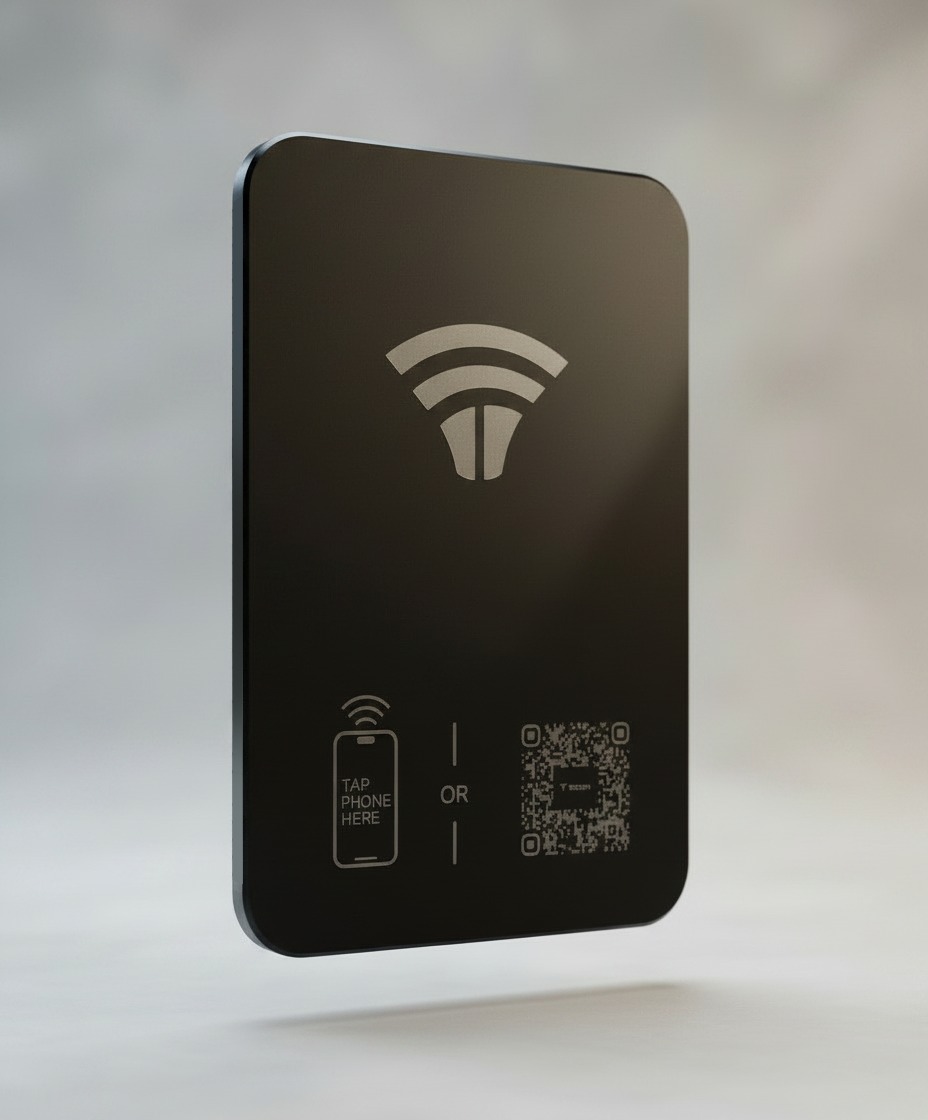
Install Your Touchpoint
Install Your Touchpoint
Place your Tapplify hardware inside the property so guests can tap or scan to access everything they need during their stay.
Place your Tapplify hardware inside the property so guests can tap or scan to access everything they need during their stay.